GitHub profile README templates that stay editable.
The best template is a useful starting point, not a substitute for your work. Pick a structure that matches your profile, replace the placeholders with evidence and export regular Markdown you can maintain.
Start with a template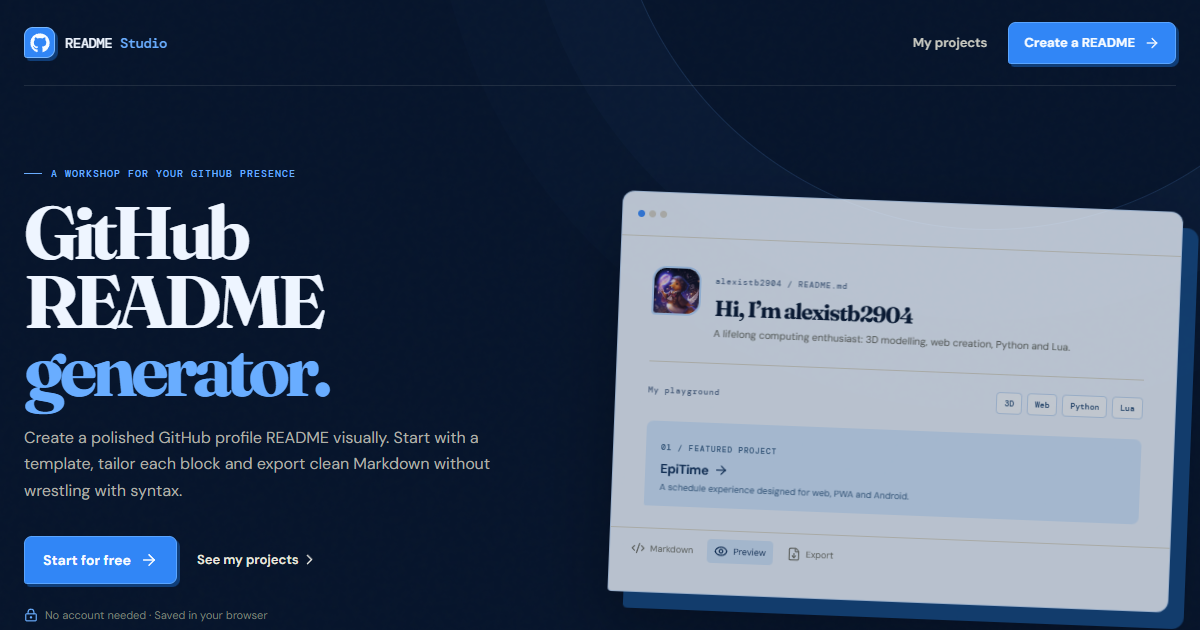
Three useful profile README patterns.
Minimal developer profile
Use a concise introduction, one sentence about your current focus, a short technology list and two or three selected project links. This is a strong choice when your repositories already tell the detailed story.
Full-stack project portfolio
Lead with your product or engineering focus, group your stack by purpose and give each selected project a result-oriented description with a repository or demo link.
Open-source contributor
Highlight the projects you maintain or contribute to, explain how people can collaborate and include practical links to issues, documentation and community channels.
Turn a template into your profile.
Pick the closest layout
Choose the template that reflects what a visitor should learn first about your work, not simply the one with the most effects.
Add proof
Replace generic copy with public repositories, deployed projects, real technologies and links that help people go deeper.
Keep it current
Update your README when your role, focus or flagship projects change. Small regular edits are better than a complete rewrite every year.